
Weekly Calendar Template
A week is the most practical planning unit: short enough to plan in detail, long enough to balance work, family and rest. These weekly calendar templates come in several layouts — horizontal, vertical columns, hourly time blocks and a family planner — undated so you can print them for any week.
- Instant download
- Editable Word & Excel
- Print-ready PDF
- 7-day refund
6 files · PDF, DOCX, XLSX
Weekly Calendar Templates
Undated weekly planners in horizontal, vertical, hourly and family layouts, an Excel 30-minute weekly schedule, and a meal and habit planner.
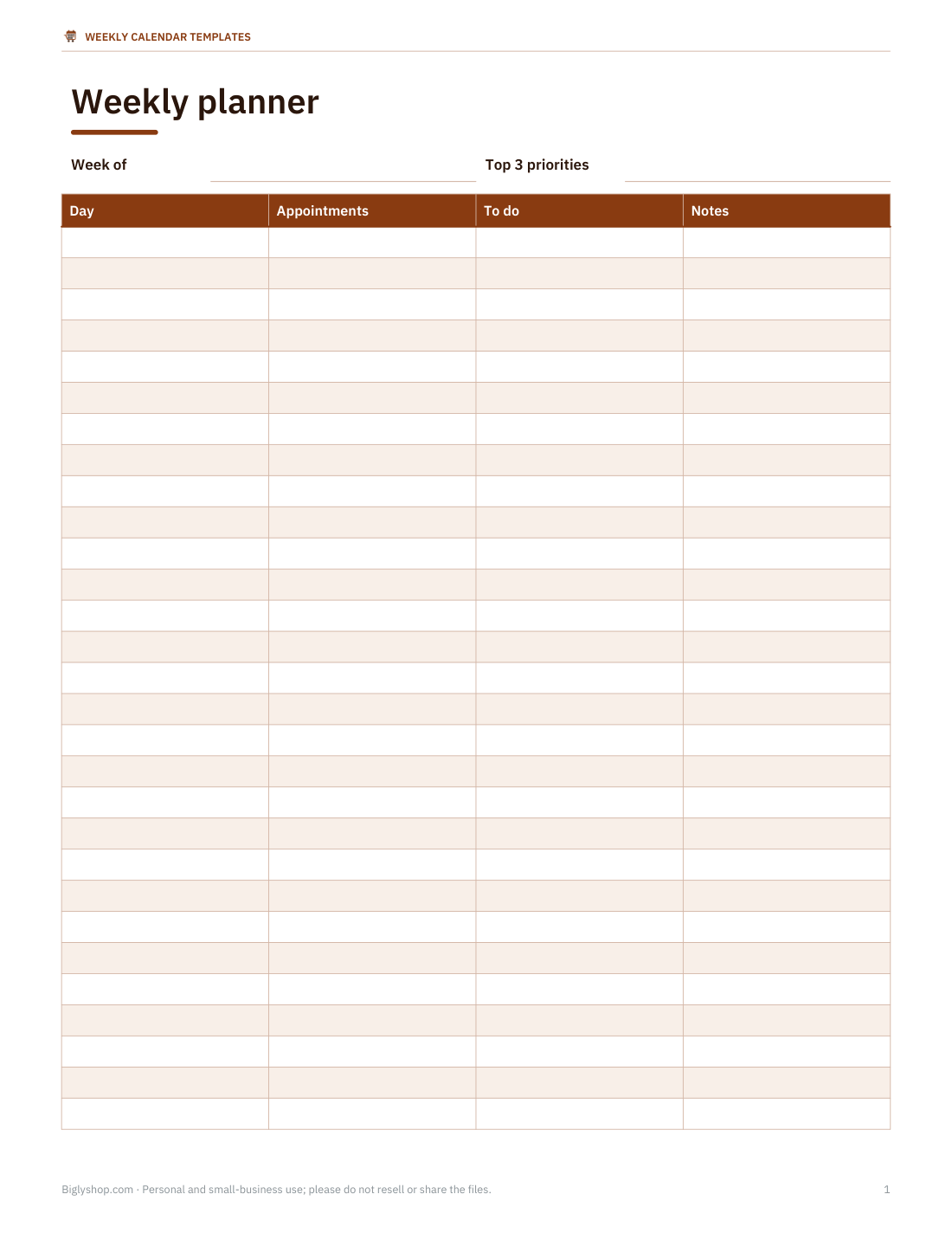
- Horizontal weekly planner (PDF, DOCX, XLSX)
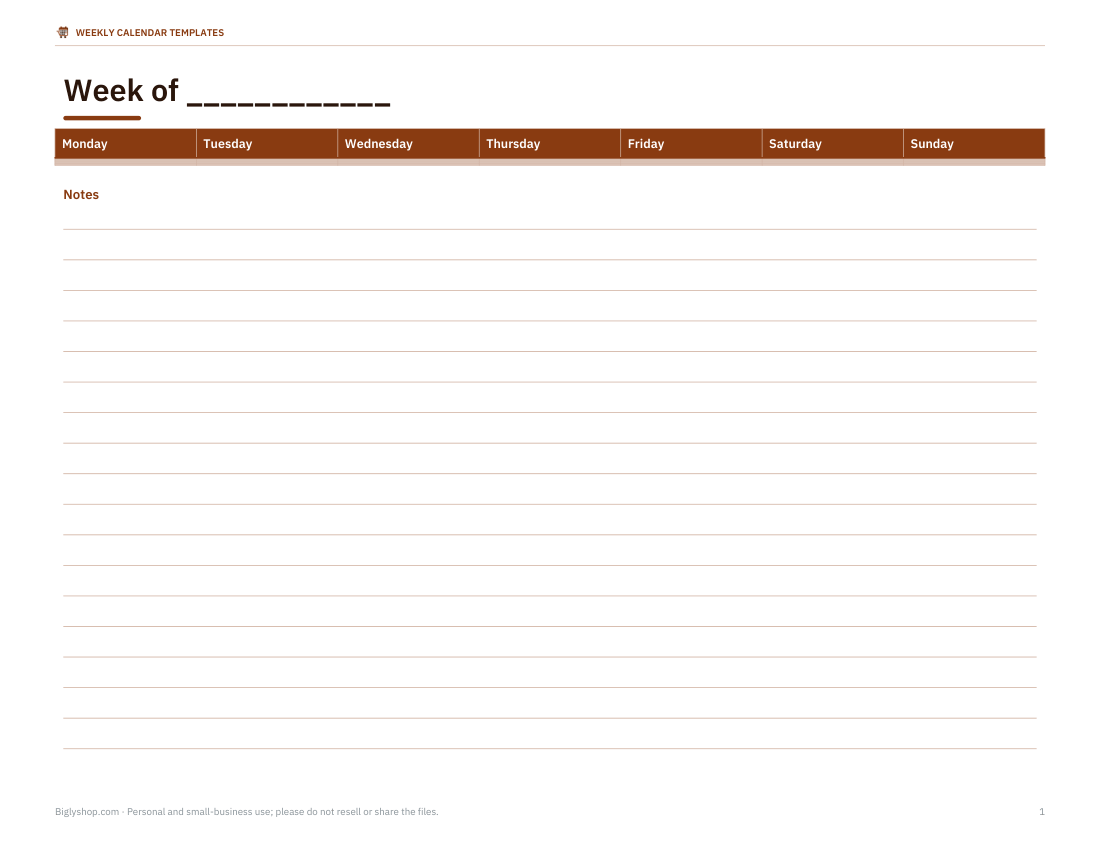
- Vertical columns planner (PDF, DOCX)
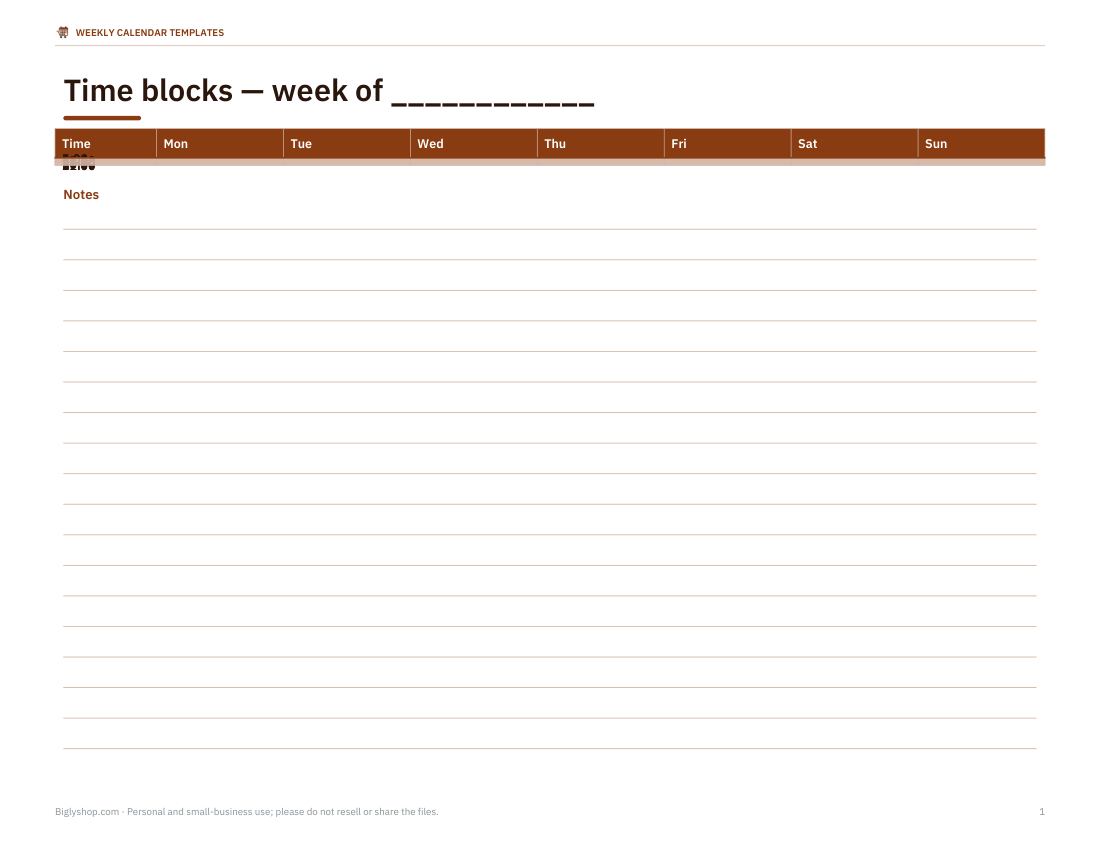
- Hourly time-block planner (PDF, DOCX)
- + 3 more
$5.00 USD, one-time 6 files · about $0.83 each
- Instant download
- 7-day refund
- Secure checkout by Stripe
7-day money-back guarantee. Full refund within 7 days of purchase, even after you download.
Free sample: Weekly Planner Horizontal (PDF, 52 KB)
Weekly Calendar Templates
Undated weekly planners in horizontal, vertical, hourly and family layouts, an Excel 30-minute weekly schedule, and a meal and habit planner.
- Horizontal weekly planner (PDF, DOCX, XLSX)
- Vertical columns planner (PDF, DOCX)
- Hourly time-block planner (PDF, DOCX)
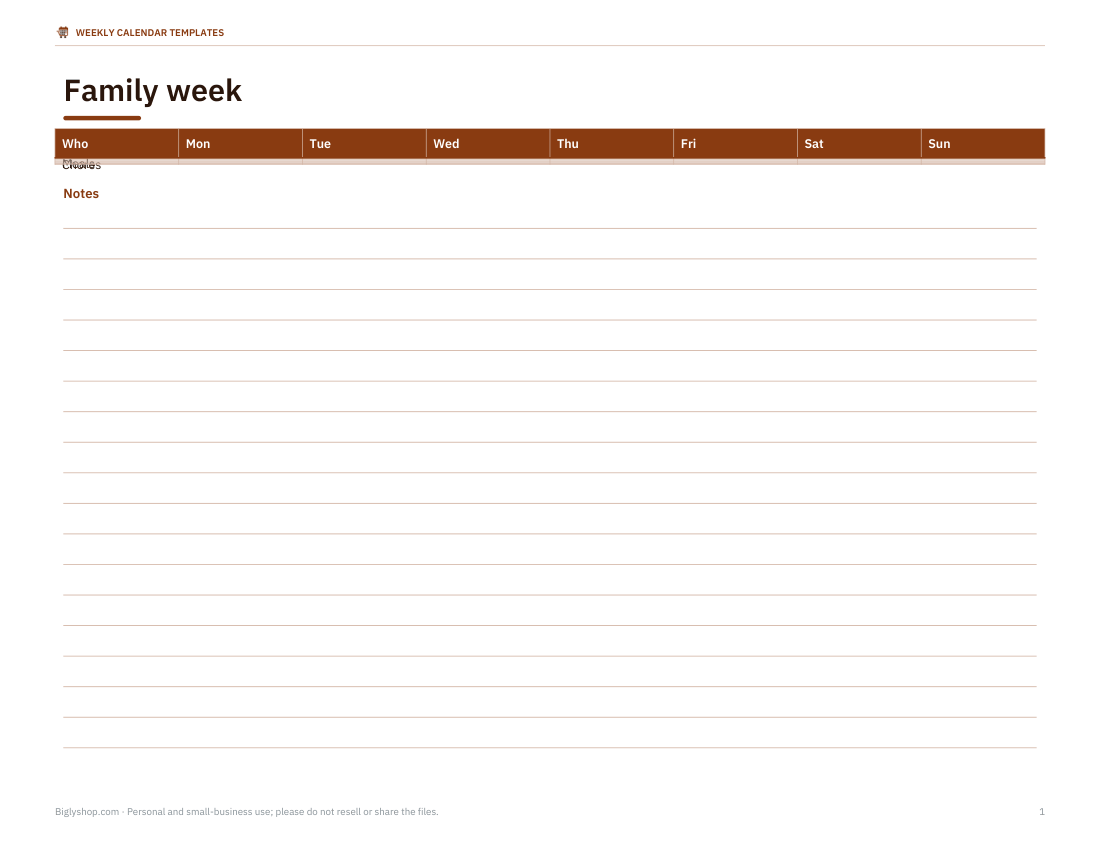
- Family weekly planner (PDF, DOCX)
- Excel weekly schedule (XLSX)
- Meal & habit planner (PDF, DOCX, XLSX)
Formats: PDF, DOCX, XLSX. Instant download after payment (link valid 72 hours, up to 5 downloads). AI-assisted: the templates were drafted with AI help and reviewed and laid out before publishing.
$5.00 USD, one-time 6 files · about $0.83 each
- Instant download
- 7-day refund
- Secure checkout by Stripe
7-day money-back guarantee. Full refund within 7 days of purchase, even after you download.
Free sample: Weekly Planner Horizontal (PDF, 52 KB)
Full refund within 7 days — see the refund policy and license.
New · 5 files · PDF
Illustrated 2027 Wall Calendar
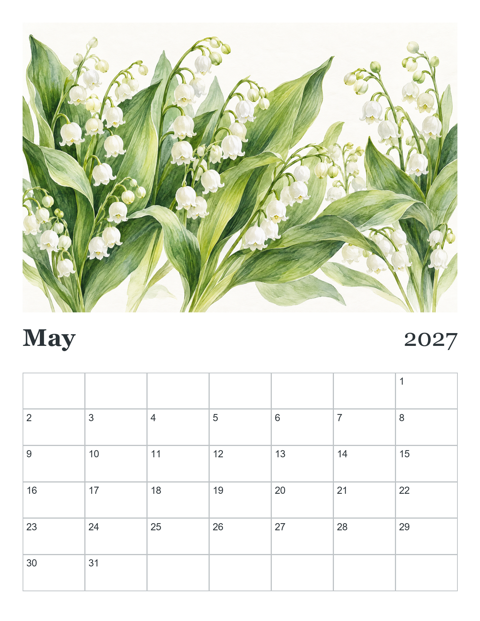
Two illustrated 2027 wall calendars to print at home: Seasons (a painted landscape for every month) and Birth Flowers (a watercolor of each month's flower).
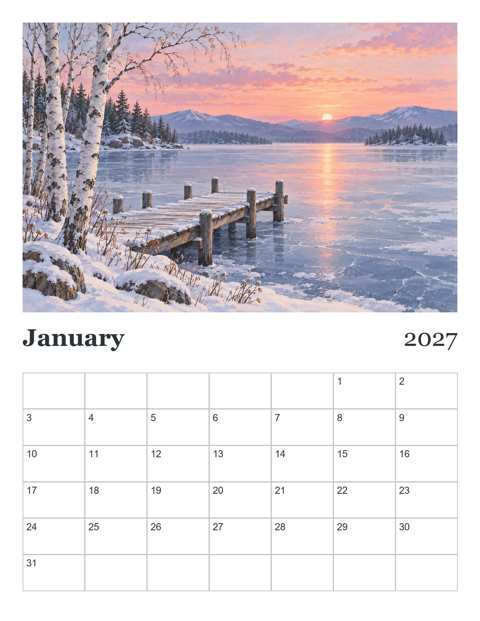
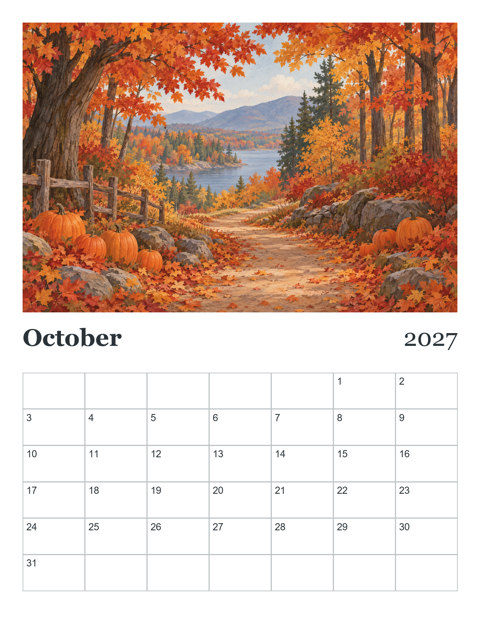
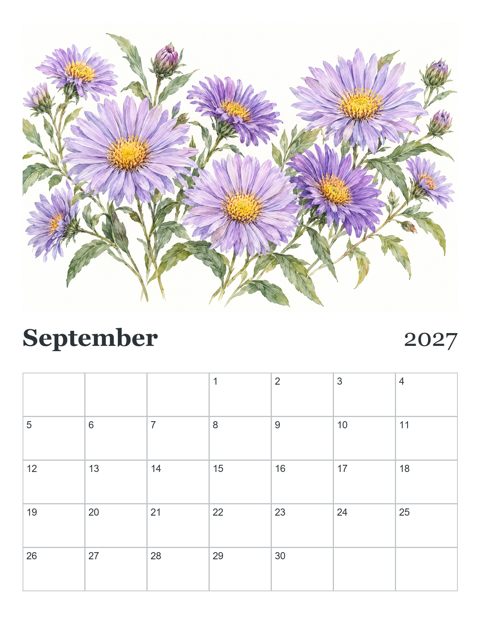
- Seasons calendar, Letter, Sunday start (PDF, 13 pages)
- Seasons calendar, A4, Monday start (PDF, 13 pages)
- Birth Flowers calendar, Letter, Sunday start (PDF, 13 pages)
- + 2 more
$9.00 USD, one-time 5 files · about $1.80 each
- Instant download
- 7-day refund
- Secure checkout by Stripe
7-day money-back guarantee. Full refund within 7 days of purchase, even after you download.
Artwork created with AI image tools, then selected and laid out for print.
Free printables
Single sheets you can print right now, no sign-up. The full pack adds every sheet in one download plus the editable files.
 Printable Horizontal Weekly Planner
 Printable Weekly Vertical Columns Planner
 Hourly Weekly Calendar Template
 Printable Family Weekly Planner
 Printable Meal and Habit Planner
Weekly layouts in the pack
| Layout | What it looks like | Best for |
|---|---|---|
| Horizontal | Seven rows, one per day, across the page | To-do lists and appointments |
| Vertical columns | Seven columns side by side | Seeing the week’s shape at a glance; students and work |
| Hourly time blocks | Days across, hours 6 am–10 pm down | Time blocking and shift schedules |
| Family planner | Rows for each family member, columns for days | Activities, lifts and chores |
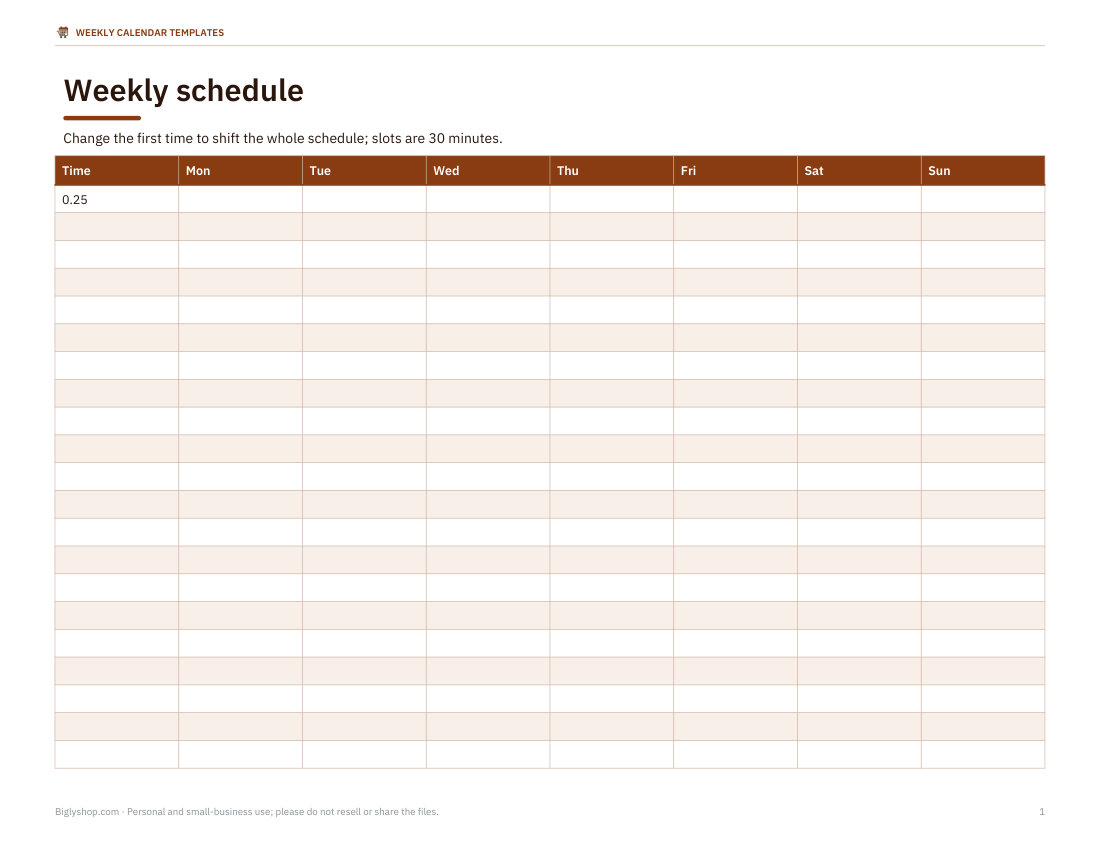
| Weekly schedule (Excel) | Editable grid with 30-minute slots | Class timetables and rotas |
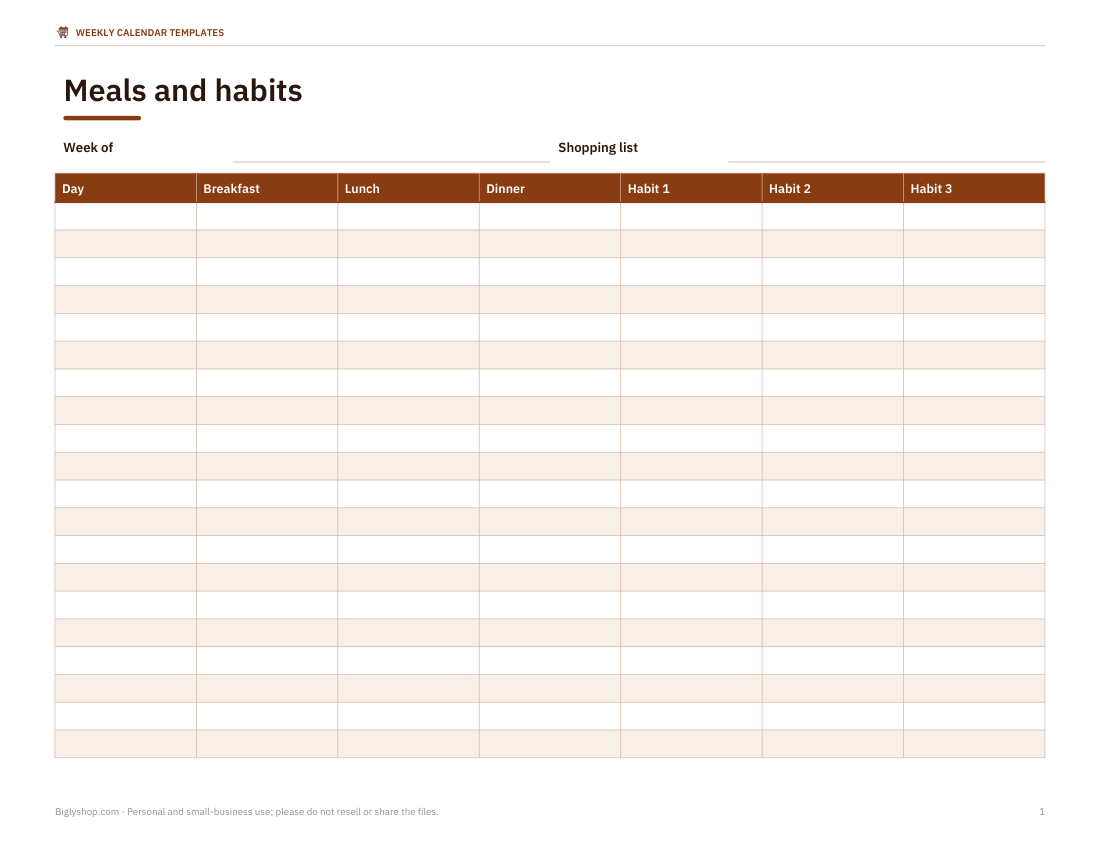
| Meal and habit planner | Meals by day, habit tick boxes and shopping list | Home planning |
How to plan your week
- Pick a regular planning time — Sunday evening or Monday morning.
- Write fixed commitments first: work hours, classes, appointments, pickups.
- List your top three priorities for the week and schedule time for each.
- Add smaller tasks to specific days, not just a long list.
- Leave buffer time; unplanned things always appear.
- At the end of the week, review what got done and carry over what did not.
Time blocking — assigning tasks to specific hours — works well for focused work. The hourly layout makes it easy to see where time actually goes.
Weekly vs monthly vs daily planning
Monthly calendars show deadlines and events; daily pages hold detailed to-do lists. The weekly view sits between them and is where most practical planning happens: balancing workload across days, spotting evenings that are already full, and making sure important but not urgent tasks get time. Many people use a monthly calendar on the wall and a weekly planner on the desk.
Ideas for using weekly templates
- Students — classes, homework due dates and revision blocks.
- Remote workers — meetings, focus blocks and breaks.
- Families — school activities, lifts, meals and chores in one place.
- Shift workers — rotas and childcare cover.
- Fitness — workouts, rest days and step goals.
- Small businesses — staff schedules and weekly targets.
Editable Excel weekly schedule
The Excel template has days across the top and 30-minute time slots from 6:00 to 22:00 down the side. Type activities into the cells, merge cells for longer blocks and colour-code by category. Change the start time in the first cell and the rest of the times update. It works in Excel, Google Sheets and LibreOffice.
Printing and binding
- Print single weeks as needed, or a batch for the month.
- US Letter and A4 both work; the vertical layout is printed in landscape.
- Use a clipboard on the wall, or punch holes for a ring binder planner.
- Laminate a weekly template and use a dry-erase pen to reuse it every week.
Who it is for
Students, teachers, parents, freelancers, managers and anyone who plans on paper. The undated design means no wasted pages if you skip a week.
Formats
Weekly layouts are print-ready PDFs and editable Word files; the time-slot schedule is an Excel workbook.
Colour-coding your week
A few colours make a weekly page easy to read at a glance: one for work or school, one for family and social plans, one for health and exercise, and one for errands and admin. Use highlighters or coloured pens, and keep a small key at the top of the page. Over several weeks, colours reveal balance — or imbalance — between parts of your life.
Making weekly planning a habit
The hardest part is doing it every week. Keep the planning session short — 15 minutes is enough — and attach it to something you already do, such as Sunday evening tea. Keep the planner visible during the week, and tick off tasks as you finish them. After a few weeks, patterns become clear: which days are always overloaded, which tasks keep slipping, and how much you can realistically do.
Frequently asked questions
Are the weekly templates dated?
No, they are undated so you can use them for any week.
Which layout should I choose?
Horizontal for lists, vertical for an overview, hourly for time blocking.
Can I edit the templates?
Yes, the Word and Excel versions are editable.
Do the weeks start on Monday or Sunday?
Monday by default; the Excel and Word versions can be changed to Sunday.
Was AI used to create the templates?
The templates were drafted with AI assistance and then reviewed, edited and formatted before publishing.